Best GPS Trackers for Kids in 2026: Wearables, Smartwatches, and Phone-Based Location Apps Compared
Choosing a GPS solution for your child is not a one-size decision. A toddler who wanders, a ten-year-old who just got their first watch, and a sixteen-year-old with an iPhone all have completely different needs. The wrong tool either doesn't fit the job or creates enough friction that your kid finds a way around it entirely.
This guide covers the three main categories, helps you figure out which fits your family, and gives you honest cost and capability comparisons, no marketing fluff.
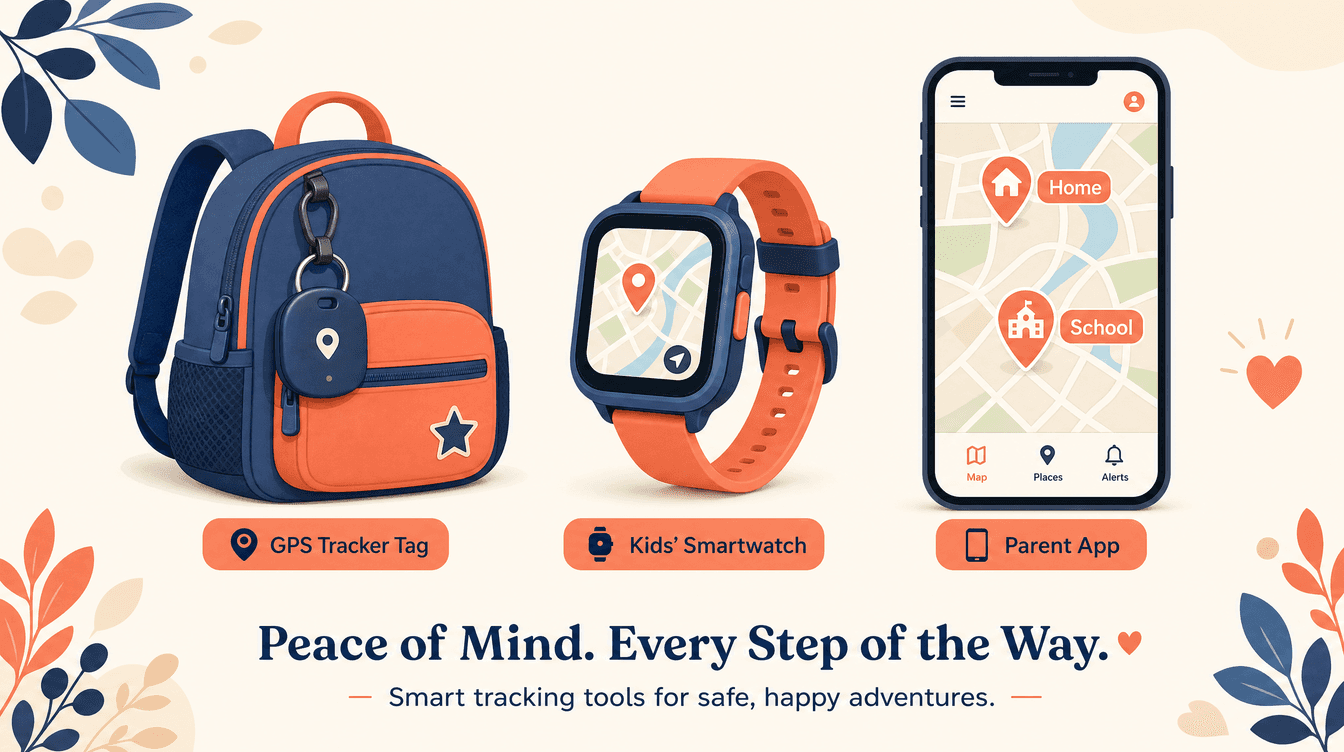
The Three Categories at a Glance
1. Dedicated Wearable Trackers
These are small hardware devices worn or attached to a child that transmit GPS location independently of a phone. They require their own cellular data plan or Bluetooth connection to function.
Who they're built for: Young children, children with autism or other conditions that create elopement risk, or any child who doesn't carry a phone and needs continuous location awareness.
AngelSense is purpose-built for children with special needs and elopement risk. It includes two-way voice, a listen-in mode, and alerts for unexpected departures from known locations. The device attaches to clothing and is designed to be tamper-resistant. Plans start around $40 per month with a separate device cost. For families where wandering is a genuine safety concern, it is one of the most capable options available.
Jiobit is a small clip-on tag that uses GPS, Wi-Fi, Bluetooth, and cellular together to maintain location. It is popular for younger children and has a lower profile than a smartwatch. Plans run roughly $9 to $13 per month after the hardware purchase.
A note on Apple AirTag: AirTags are not GPS trackers for children. They are Bluetooth proximity tags that update location only when another Apple device passes nearby. There is no real-time GPS, and they were not designed for child safety. Using one as a substitute for a real GPS tracker is not appropriate for any child who needs reliable, continuous location awareness.
Cost reality: Dedicated wearables typically involve a hardware purchase ($50 to $200+) plus a monthly cellular plan ($9 to $40). AngelSense is a meaningful monthly commitment, but for families with elopement-risk children, it is often the right one.
2. GPS Smartwatches for Kids
These devices look like children's smartwatches and include a built-in SIM card, GPS chip, and usually a limited set of calling and messaging features. They give you location awareness without requiring your child to carry a smartphone.
Who they're built for: Children roughly 6 to 12 years old who are too young for a full smartphone but old enough to wear a watch and benefit from two-way communication. They are also a good fit for parents who want to delay smartphone access.
Bark Watch (from the makers of Bark's content monitoring service) is a kids' smartwatch with GPS, calling, and messaging that integrates with the Bark platform for content oversight. Pricing involves both a device cost and a monthly plan.
TickTalk and similar devices (Cosmo, Xplora, and others in the same category) offer GPS, calling, messaging, and sometimes a camera in a watch form factor. They are generally positioned for the 6 to 12 age range. Hardware typically runs $100 to $200, with monthly plans around $10 to $20.
What to know before buying: GPS smartwatches depend on cellular connectivity, so location accuracy can drop in areas with weak signal. Battery life is a real constraint, often 24 to 48 hours between charges, which means a forgotten charge means no location data. A separate SIM plan adds to the ongoing cost.
For children in that middle window between too young for a phone and ready for one, these devices solve a real problem. But once your child is carrying a smartphone, a GPS watch usually becomes redundant.
3. Phone-Based Location and Check-In Apps
This is the category for children who already carry a phone. Instead of separate hardware, these apps use the phone's built-in GPS to share location with family members.
Who they're built for: Tweens, teenagers, and college-age adults who have a phone and don't need a wearable. This is also the right category for adult children helping coordinate care for an aging parent.
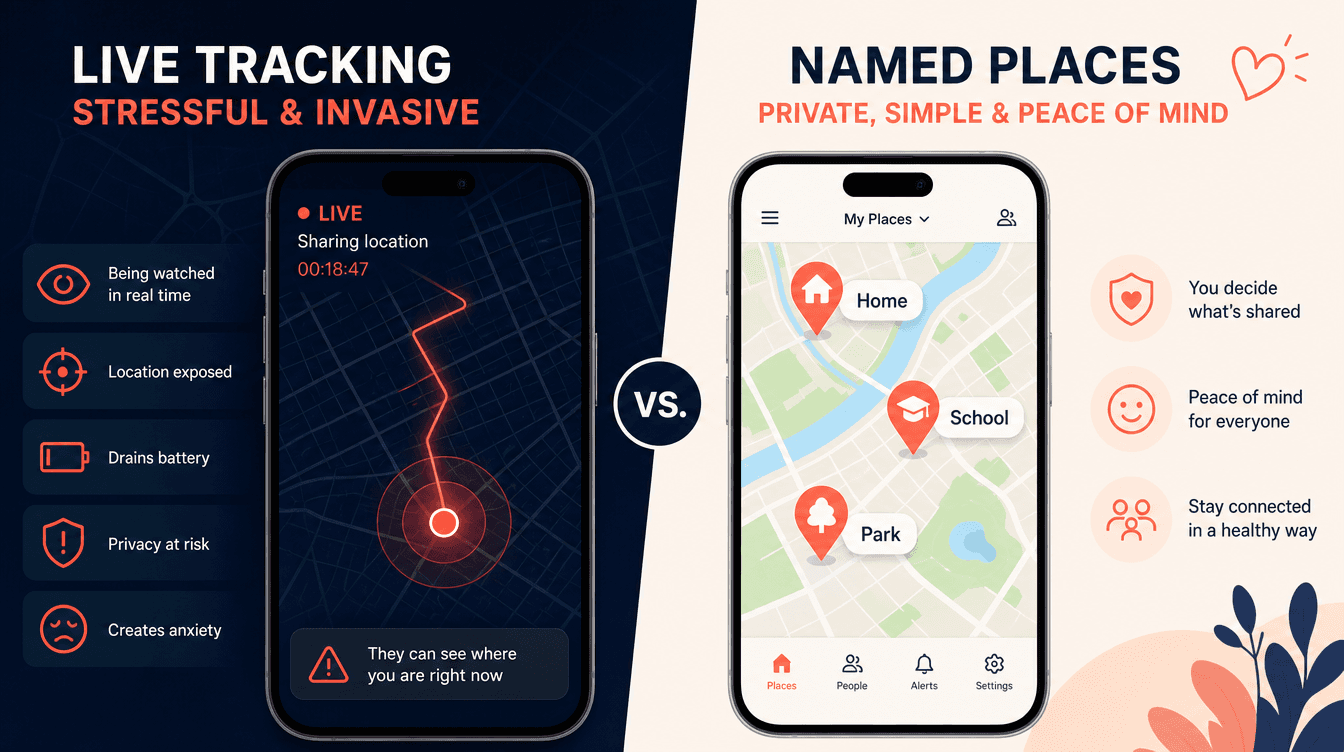
Life360 is the most widely used family location app, with about 95 million monthly active users. It offers continuous live location, driving reports, and place-based alerts. The free tier is limited; full features require a paid plan at $7.99 to $15 per month. Life360 has documented data-sharing relationships with third-party data brokers and insurance companies, a factual consideration for families who care about data privacy. The always-on live location model also creates friction with teenagers, who frequently disable or work around it. We've written a full feature-by-feature comparison if you want the details.
Apple Find My is free, private, and trusted. It works well for Apple-to-Apple location sharing and supports location-based notifications. The limitations are significant for families: it requires everyone to be on Apple devices, has no named-place logic, no check-in mechanic, and no way to request a contextual response from the other person. It shows you a dot. That is it.
Google Family Link is free and Android-centric. Location sharing is a secondary feature with no meaningful-place alerts or check-in capability.
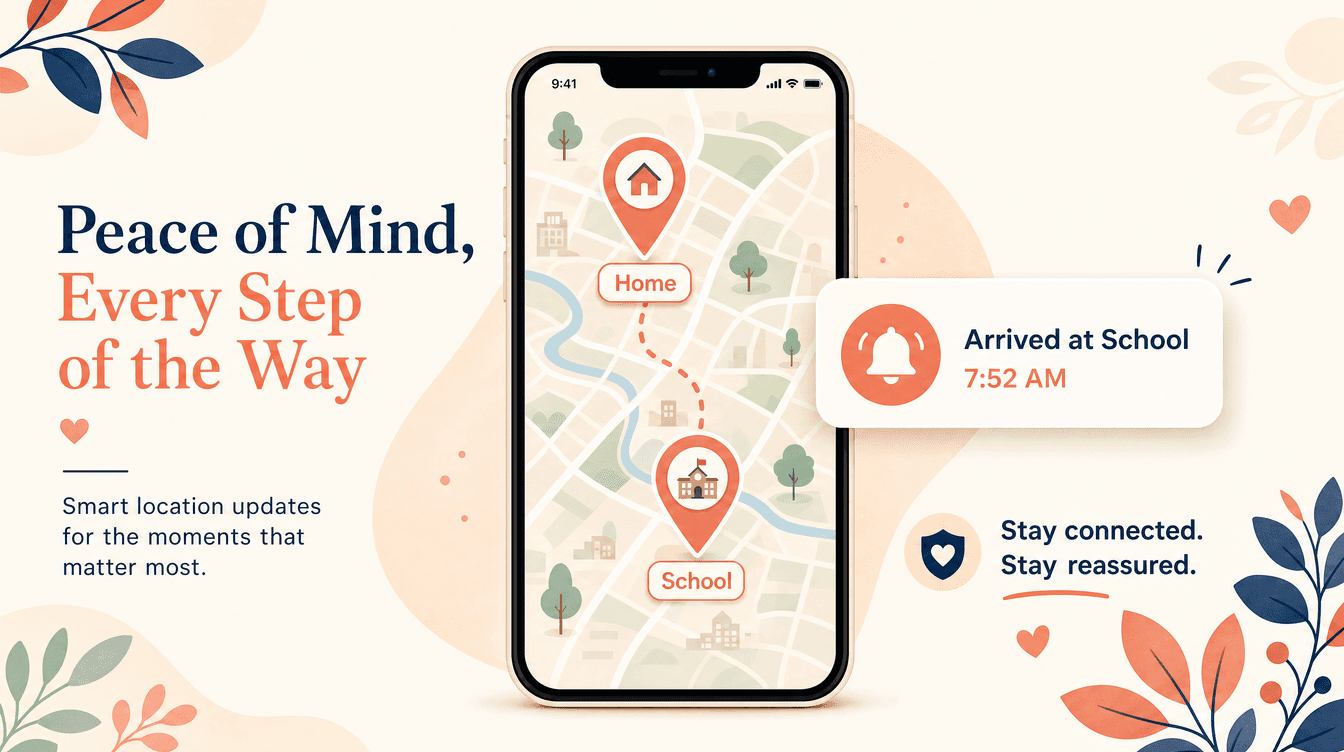
KinLink is built specifically for the phone-carrying segment. Rather than showing a live dot, it uses the Places Mesh: a growing map of named, meaningful locations like home, school, work, or a friend's house. When a family member arrives at or leaves a saved place, you get an automatic alert. No one needs to open the app. You just know.
The other core feature is the one-tap check-in request. When you want more than a location, you send a check-in prompt. Your teen responds with their location and an optional note. It is a two-way exchange, not a one-way pull. That distinction matters to teenagers, and it matters to the relationship.
KinLink is free at launch with no credit card required. The full experience is available without a paid tier: Places Mesh, alerts, and check-ins. You can join the waitlist today.
How to Choose: A Decision Framework
Work through these questions in order.
Does your child carry a phone? If no, a phone-based app is not the right fit. Look at dedicated wearables or GPS smartwatches depending on age and need.
Is elopement or wandering a safety concern? If yes, a dedicated wearable like AngelSense is likely the most appropriate tool. It is designed for this scenario in a way that phone-based apps and smartwatches are not. A general-purpose app is not a substitute for purpose-built elopement safety hardware.
How old is your child?
- Under 8: A dedicated wearable or GPS smartwatch, depending on how much independence they have.
- 8 to 12: A GPS smartwatch is a natural fit if they don't have a phone yet.
- 13 and up: If they carry a phone, a phone-based app is almost always the better experience for everyone.
- College-age: Phone-based apps only. A wearable or smartwatch is not appropriate for this age group.
What is your budget?
- Dedicated wearables: $50 to $200+ hardware, $9 to $40 per month ongoing.
- GPS smartwatches: $100 to $200 hardware, $10 to $20 per month ongoing.
- Phone-based apps: Free to $15 per month, no hardware cost.
Does your teenager's buy-in matter to you? If your teen resents the tool, they will find a way around it. Apps built on continuous live location tend to generate the most resistance. If you want something your teenager will actually leave turned on, the design philosophy of the app matters as much as its feature list.
A Note on Special Needs Families
If your child has autism, a cognitive disability, or any condition that creates elopement risk, please do not rely on a phone-based app as your primary safety tool. AngelSense and similar purpose-built devices exist for exactly this reason. Phone-based apps assume the child is carrying and using a phone cooperatively, and that assumption does not hold for every child. The stakes are too high to use the wrong tool.
KinLink does serve families with special needs dependents in the older, phone-carrying segment. But for younger children or those with significant elopement risk, a dedicated wearable is the more appropriate choice.
The Bottom Line
The right solution depends on your child's age, whether they carry a phone, their specific safety needs, and your budget. Wearables like AngelSense fill a critical role for young children and those with elopement risk. GPS smartwatches bridge the gap for kids who aren't ready for a phone. And for teenagers and young adults who already carry a phone, a well-designed app is the most practical and sustainable option.
If your teenager is in that last group, KinLink is worth a look. It is built around place-based alerts and mutual check-ins, not live surveillance, and it is free at launch with no credit card required.
Join the waitlist and we'll email you the moment KinLink launches.
Frequently Asked Questions
What is the best GPS tracker for a young child who doesn't have a phone? For children under 10 who don't carry a phone, a dedicated wearable or GPS smartwatch is the right category. Devices like Jiobit or TickTalk-style smartwatches work well for general use. If your child has elopement risk due to autism or another condition, AngelSense is purpose-built for that need and is worth the higher cost.
Are Apple AirTags safe to use as a GPS tracker for kids? AirTags are not GPS trackers and should not be used as a child safety device. They are Bluetooth proximity tags that update location only when another Apple device passes nearby. They have no real-time GPS and were not designed for child safety scenarios.
What is the difference between a GPS smartwatch and a phone-based location app? A GPS smartwatch is standalone hardware with its own SIM card and GPS chip, designed for children who don't carry a smartphone. A phone-based app uses the GPS already built into your child's existing phone. Once your child has a phone, an app is almost always more practical than adding a separate device.
At what age should I switch from a GPS wearable to a phone-based app? There is no universal answer, but most families make the transition when their child gets their first smartphone, typically somewhere between 11 and 14. At that point, a dedicated wearable or GPS watch becomes redundant, and a phone-based app is easier for everyone to use consistently.
What makes KinLink different from Life360 for a teenager who already has a phone? KinLink is built around place-based alerts and one-tap check-ins rather than continuous live location. When your teen arrives at school or leaves practice, you get an alert automatically. If you want more context, you send a check-in request and they respond with their location and a note. There is no live dot running all day, which reduces the friction that often leads teenagers to disable location-sharing apps altogether.
Do phone-based location apps work on both iPhone and Android? It depends on the app. Apple Find My is limited to Apple devices. KinLink launches on iOS November 15, 2026, with Android following later in 2026. Life360 supports both platforms.
How much do kids' GPS trackers typically cost per month? Costs vary significantly by category. Dedicated wearables like AngelSense can run $40 per month plus hardware. GPS smartwatches typically add $10 to $20 per month for a cellular plan. Phone-based apps range from free to $15 per month. KinLink is free at launch with no credit card required.

KinLink Team
KinLink
The KinLink team writes about family safety, trust, and the technology that helps families stay connected without the surveillance dynamic.