From download to your first Places Mesh check-in in under five minutes.
01
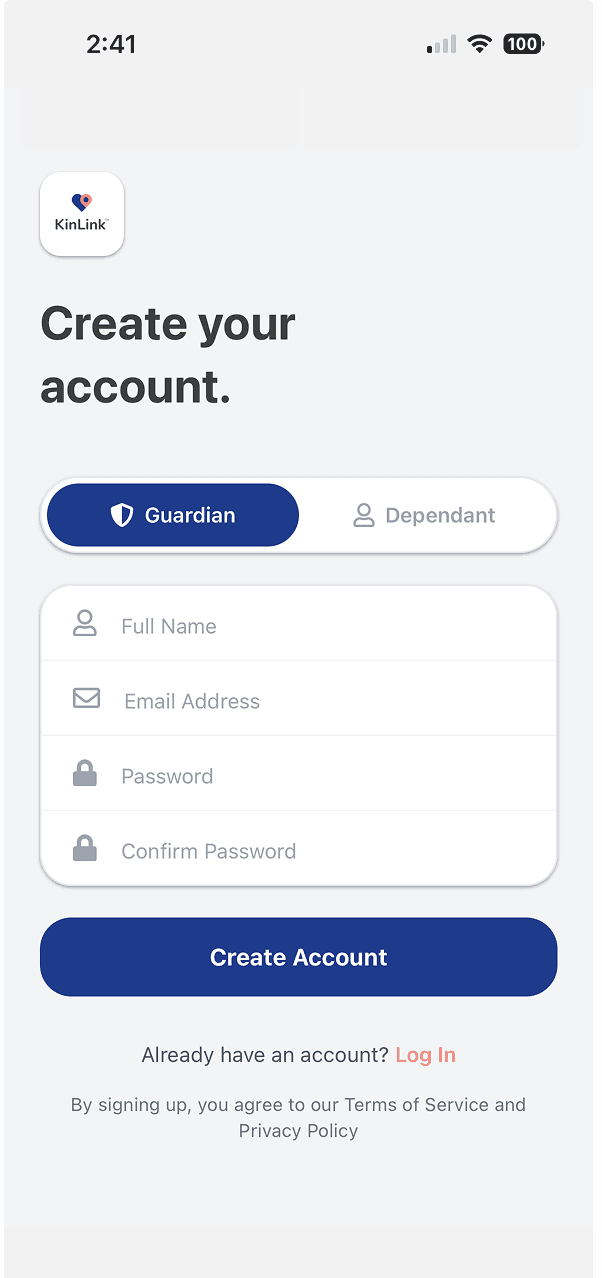
Get KinLink free from the App Store. Create your Guardian account in about 60 seconds. No credit card, no subscription.
02
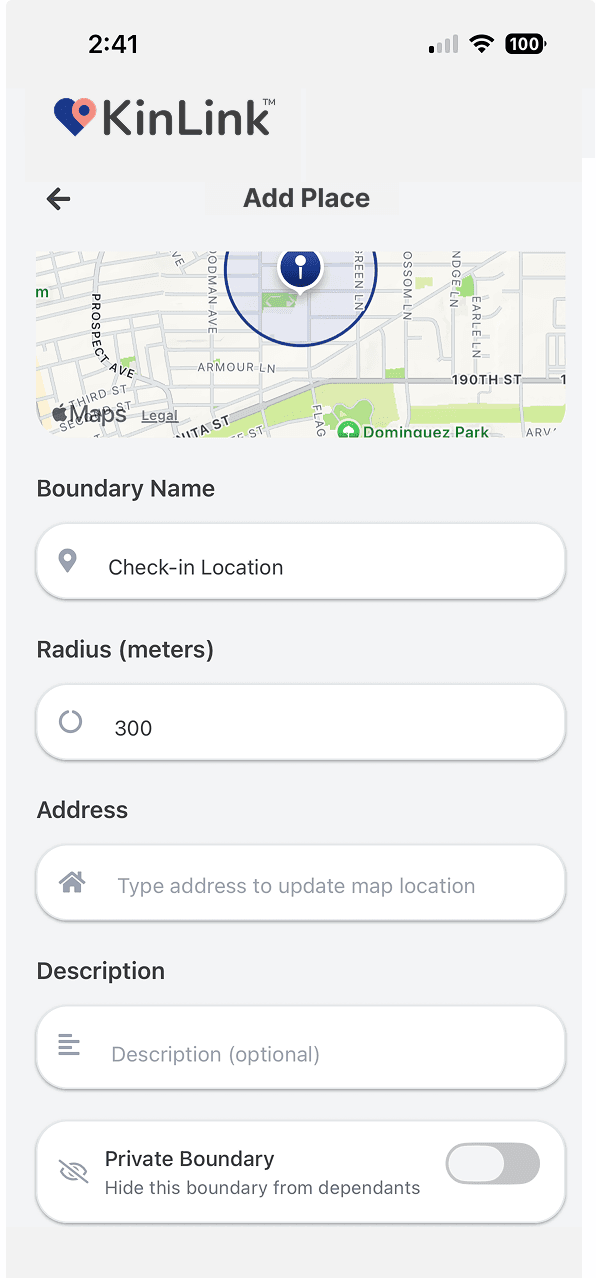
Tap anywhere on the map and name it. Start with Home. Then add School, Work, Grandma's house, wherever matters to your family. Each Place becomes a geo-fence that triggers alerts.
03
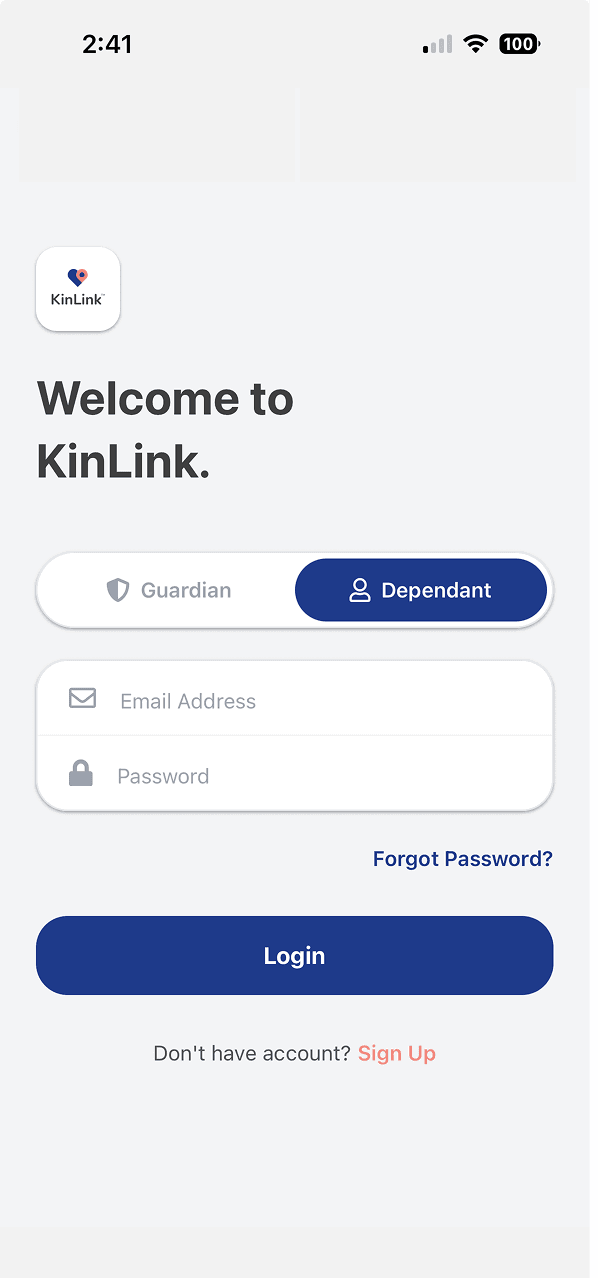
Share a unique invite code with the family member you want to stay connected with. They'll install KinLink and enter the code to begin pairing.
04
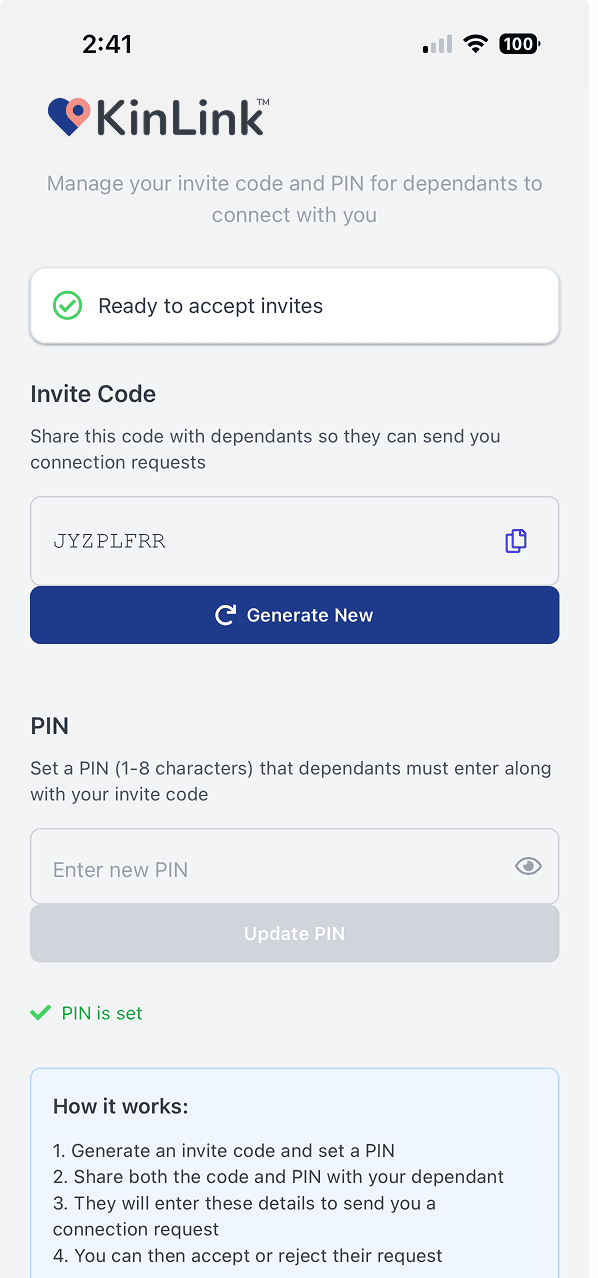
Your Dependent enters the invite code and the PIN you've set separately. Both are required to complete the connection. This double-lock keeps the pairing genuinely secure.
05
The moment your Dependent arrives at a Place or leaves one, you'll get a push notification. You never need to open the app; it tells you when something changes, then stays quiet.
06
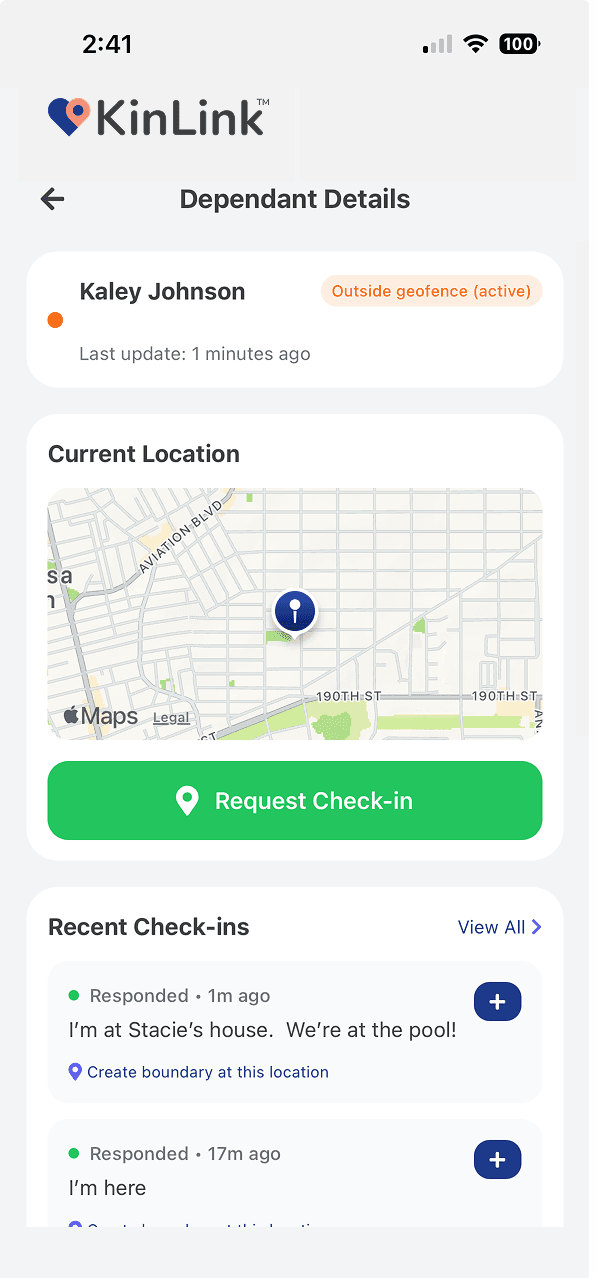
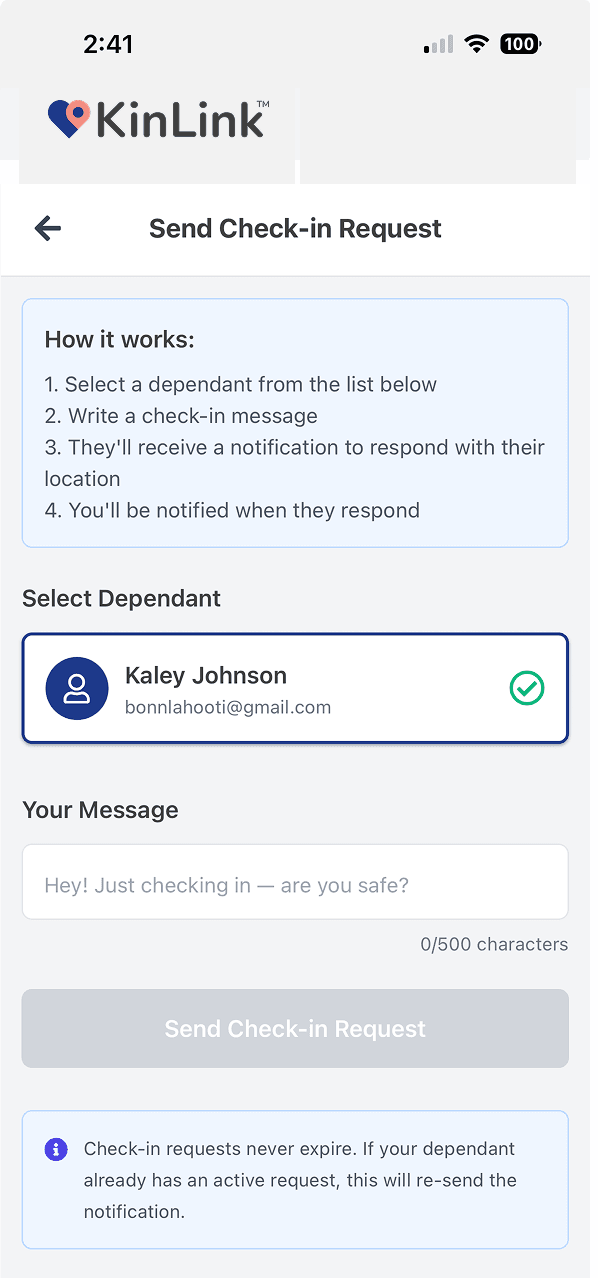
Anytime you want confirmation, tap 'Request Check-in.' Your person gets a notification, taps once, and sends back their current location, an optional note, and an optional photo.
07
When a check-in comes in from somewhere you haven't named yet, tap once to turn that exact location into a saved Place. The mesh grows naturally as you use the app.
KinLink is designed to be simple enough that you don't need a tutorial. Here's the quick summary:
Join the waitlist and be first to know when KinLink lands on the App Store on October 1, 2026.
Free · No credit card · Launching October 1 on iOS
