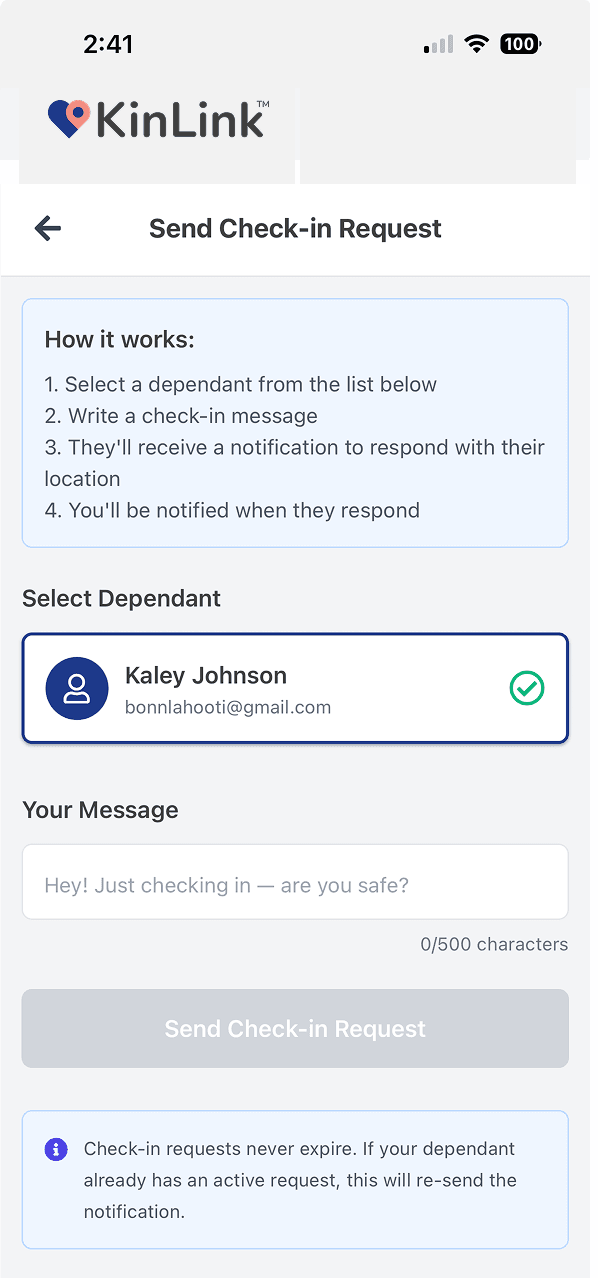
Request a check-in with one tap. Your family member shares their location, a note, and a photo. You can turn that spot into a saved Place in one more tap.
A family check-in app lets a Guardian (parent, caregiver, adult child) request a location confirmation from a Dependent (teenager, aging parent, family member) at any time. The Dependent taps once to respond, sharing where they are right now.
KinLink takes this a step further. A check-in response includes the current GPS location, an optional text note, and an optional photo. And when you receive a check-in from somewhere new, one tap saves that location as a named Place in your Places Mesh.
Precise GPS location shown on a map. Accurate to the device's capability.
A short text message for context. At the library. On my way home. Just left practice.
A quick photo for reassurance. Seeing your teen's face beats reading coordinates.
KinLink's signature interaction: when you receive a check-in from a location you haven't named yet, you can create a Place there with one tap. That location gets added to your Places Mesh. Future arrivals and departures there will be reported by name, automatically.
Join the waitlist and be first to know when KinLink lands on the App Store on October 1, 2026.
Free · No credit card · Launching October 1 on iOS
